Install FME 2021.2.5
As of (Date: 07/14/2022)
Steps
- Download the installer from the link
- Save the installer in a known location
- ⚠️ If you have an existing install of
FME, make sure you specify a different path for installingFME, otherwise it will try to delete the files in the existing install and overwrite them. - Choose
Custom Install - No
Python 2.7 - Yes
Software SDK - Prompt for
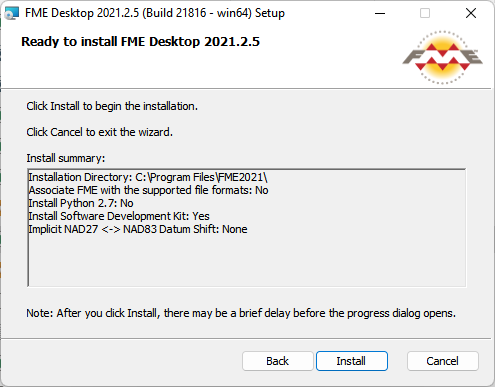
Datum Shift Support - Your install setup should look like this.
- You have now successfully installed
FME 2021