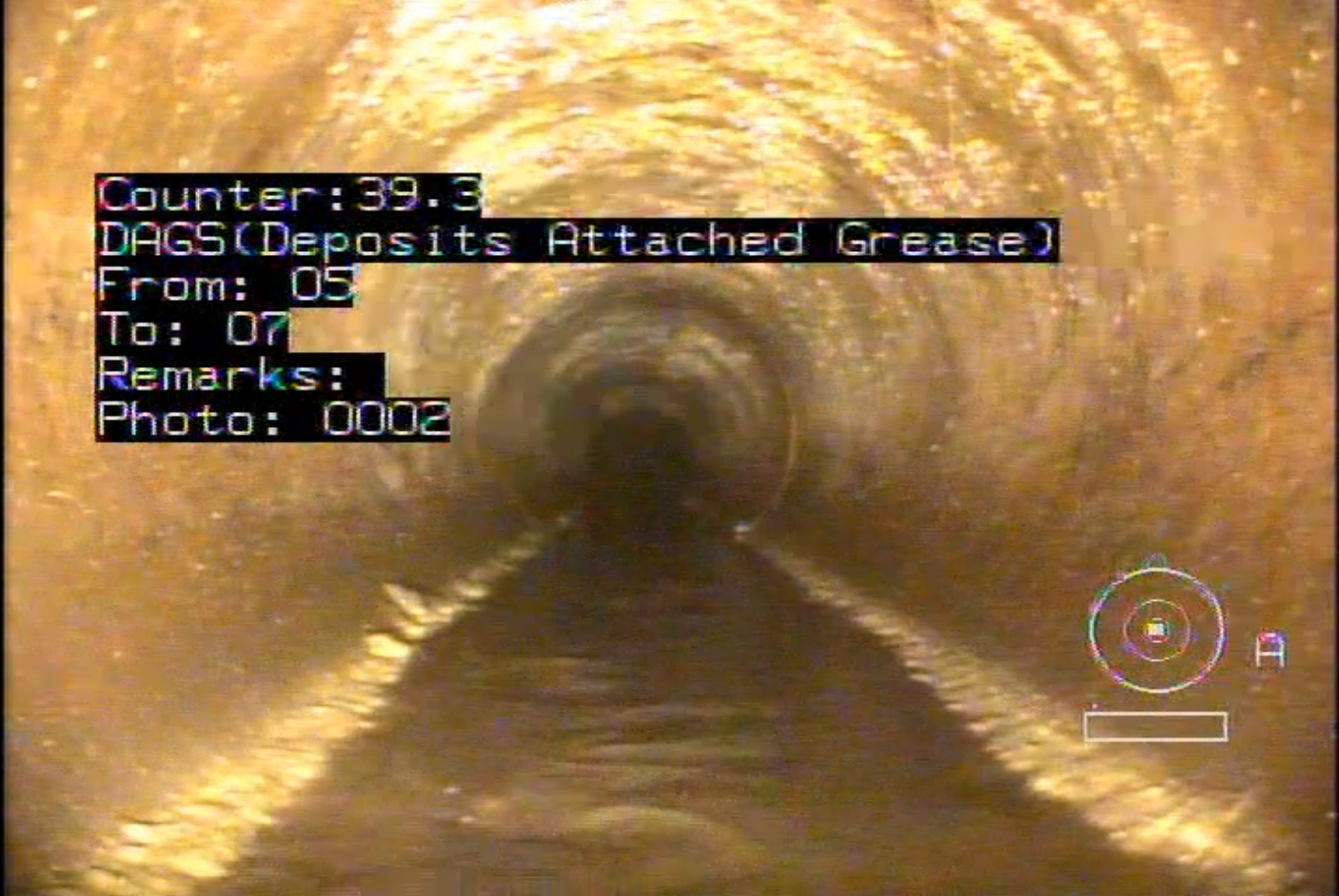
Different CCTV video types
DNV
DNV-video_type_1
All 81 (only 80 videos were used for training) videos uploaded in 2022 have type 1.
The PACP code is followed by the word
Observation.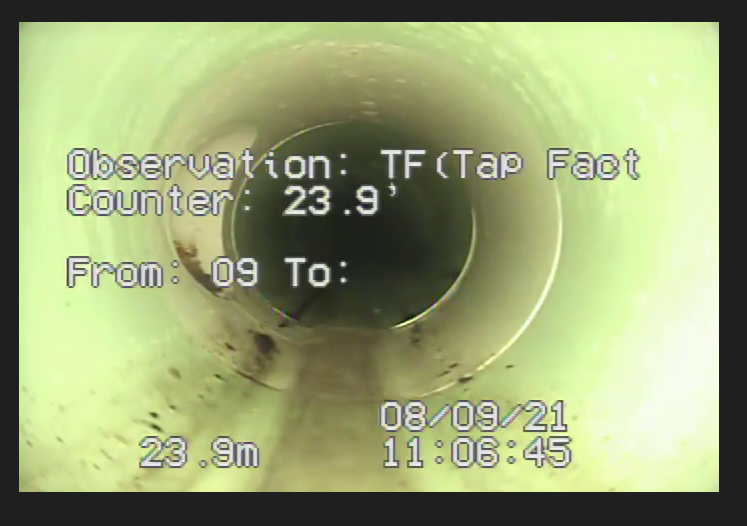
DNV-video_type_2
All 406 PACP videos uploaded on January 2023 have type 2.
The PACP code is followed by the word
Code.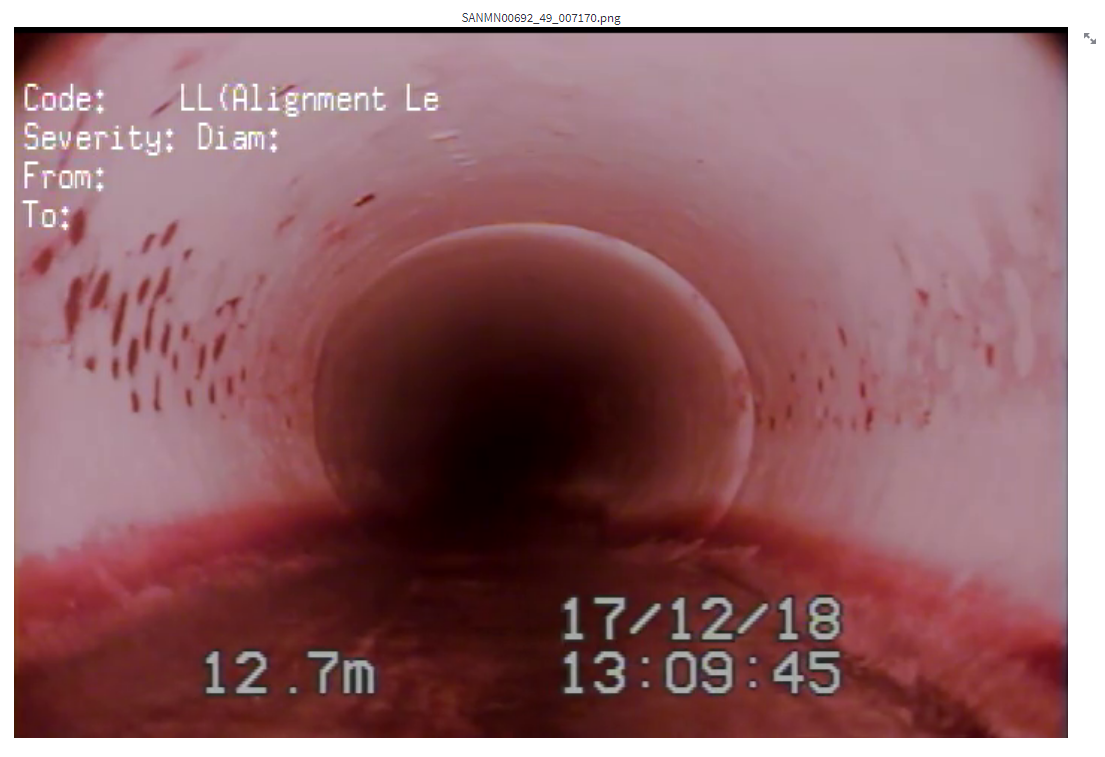
1066 WRc videos
- DNV-WRc-video_type_by_d_1
- Distance location: top left located below the pipe's diameter field (with a black backgroud)
- Distance format
- Frame without an annotation: 4 zero padding, one decimal place, followed by
Mwithout a space (e.g.0026.2M)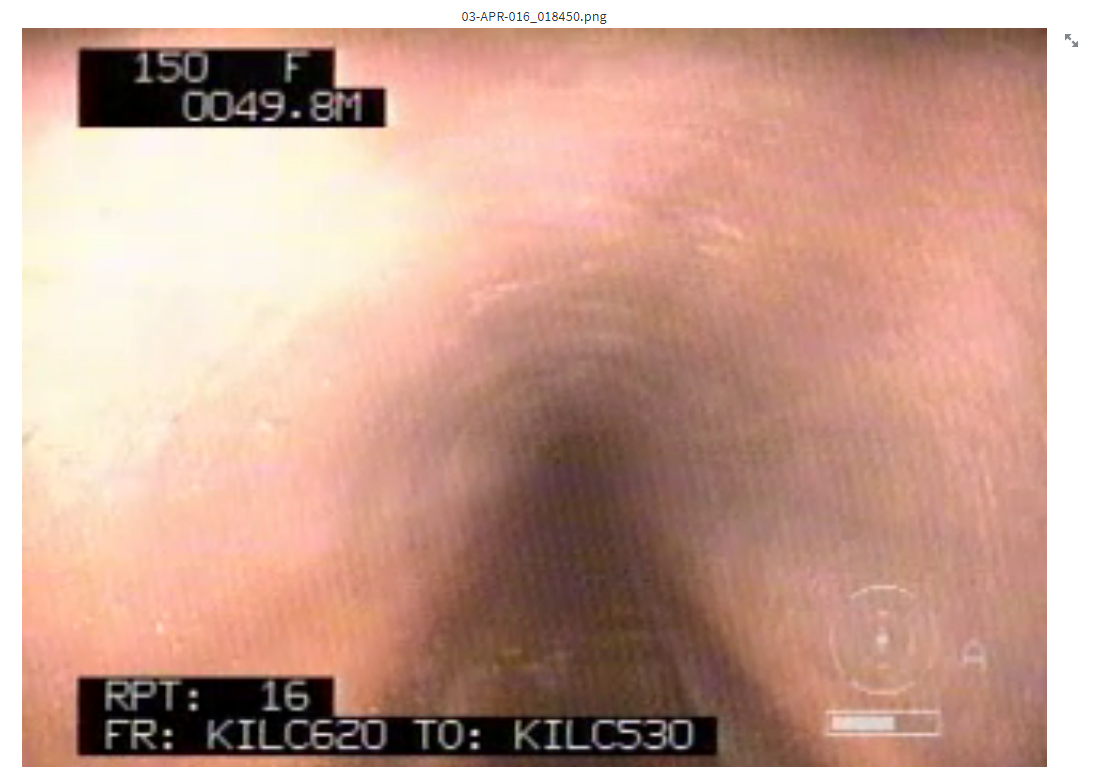
- Frame with annotation: no padding, one decimal place, followed by
Mwithout a space (e.g.46.4M)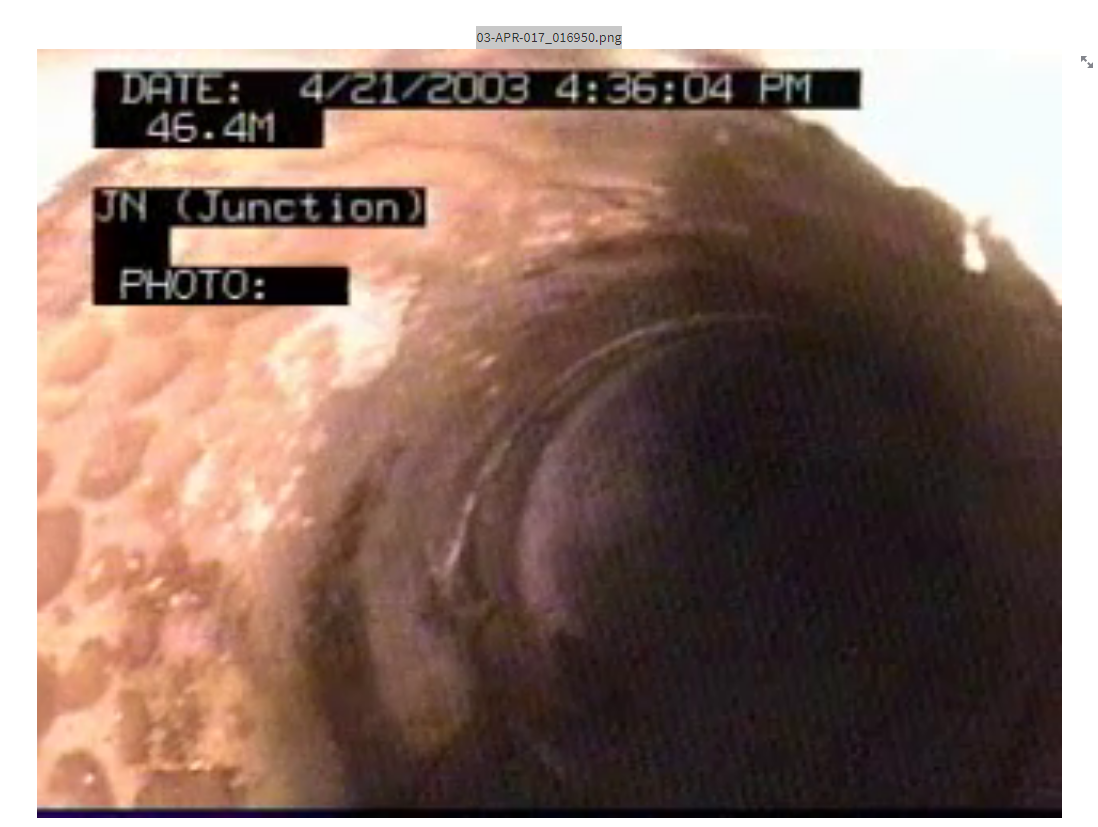
- Frame without an annotation: 4 zero padding, one decimal place, followed by
- DNV-WRc-video_type_by_d_2
- Distance location: top left located above the pipe's diameter field (with a black backgroud)
- Distance format
- Frame without an annotation: 4 zero padding, one decimal place, followed by
Mwithout a space (e.g.0036.2M)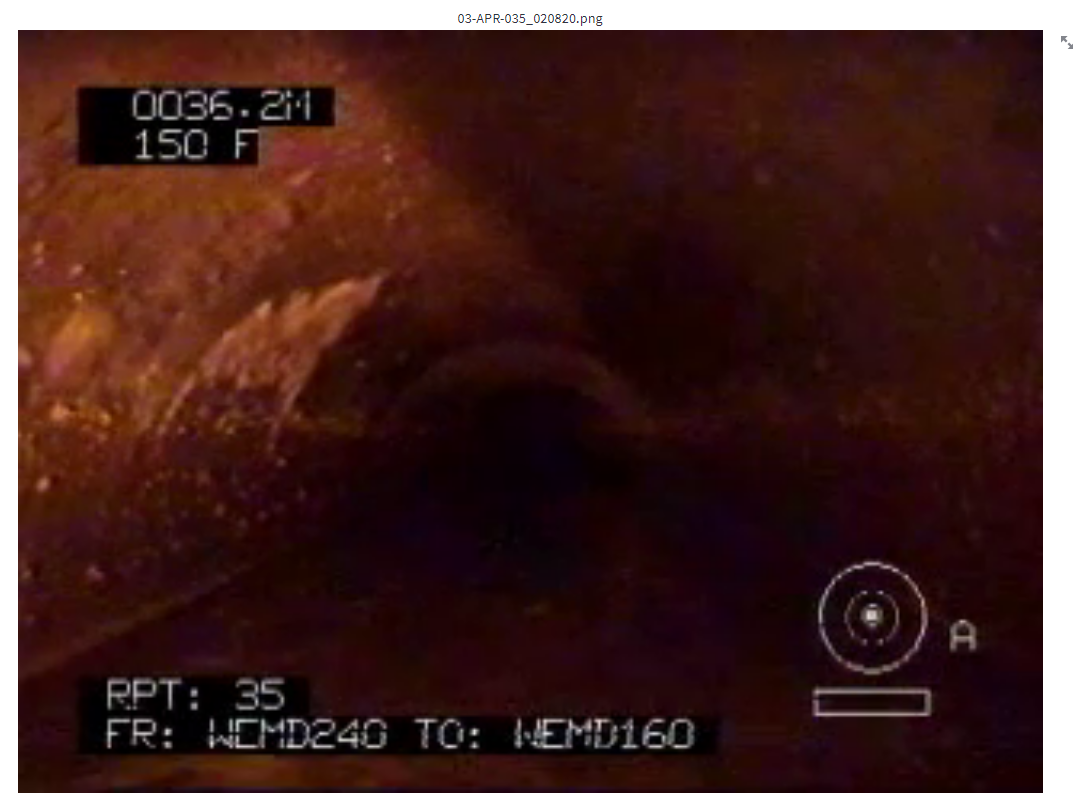
- Frame with annotation: no padding, one decimal place, follows by M without a space (e.g.
46.4M)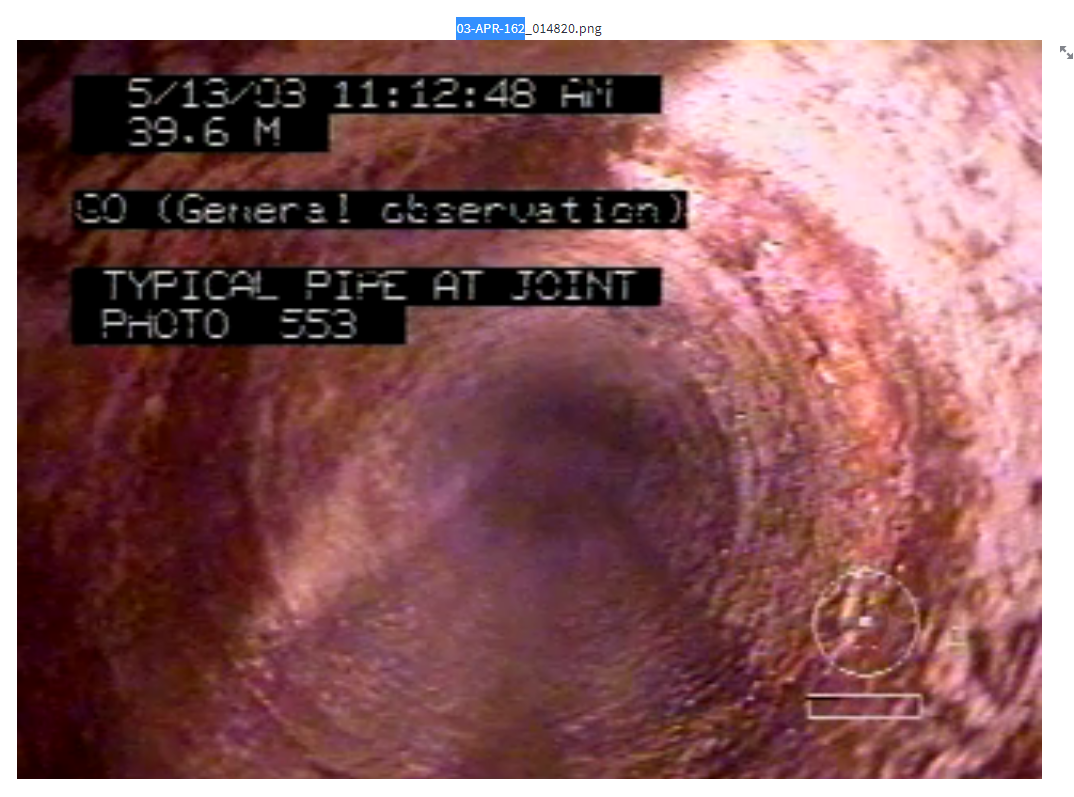
- Frame without an annotation: 4 zero padding, one decimal place, followed by
- DNV-WRc-video_type_by_d_3
- Distance location: at the lower right corner (with a black backgroud)
- Distance format
- Frame without an annotation: no padding, two decimal places, followed by
mwithout a space (e.g.65.74m)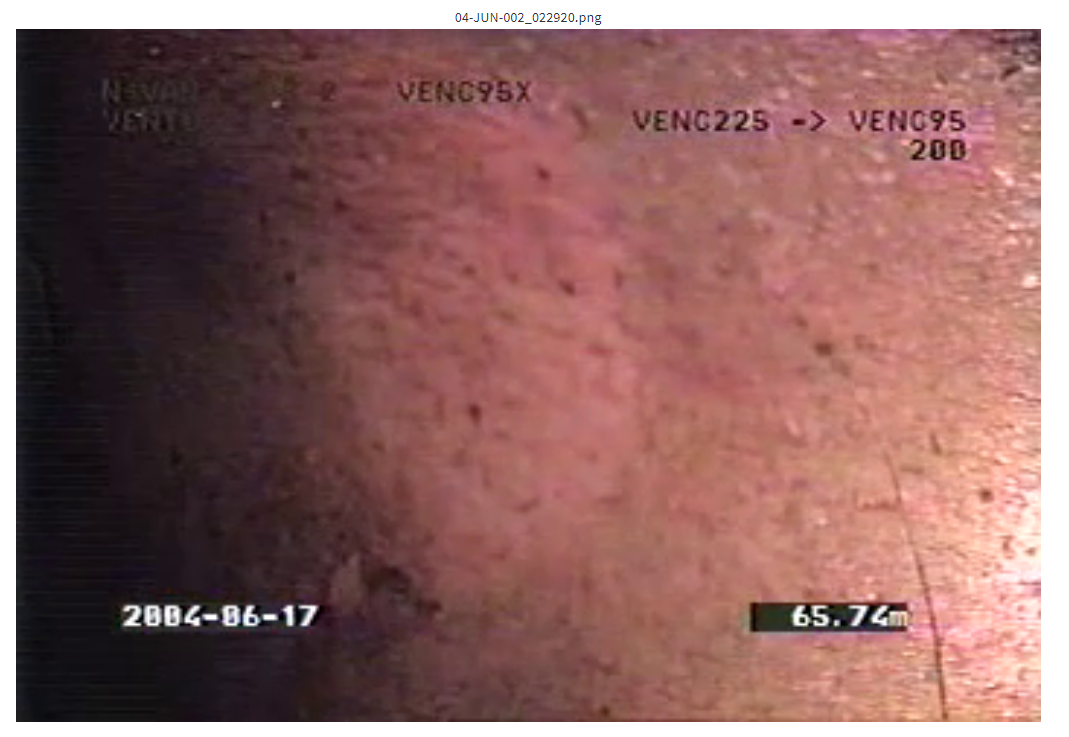
- Frame with an annotation: no zero padding, two decimal places, followed by
mwithout a space (e.g.65.74m)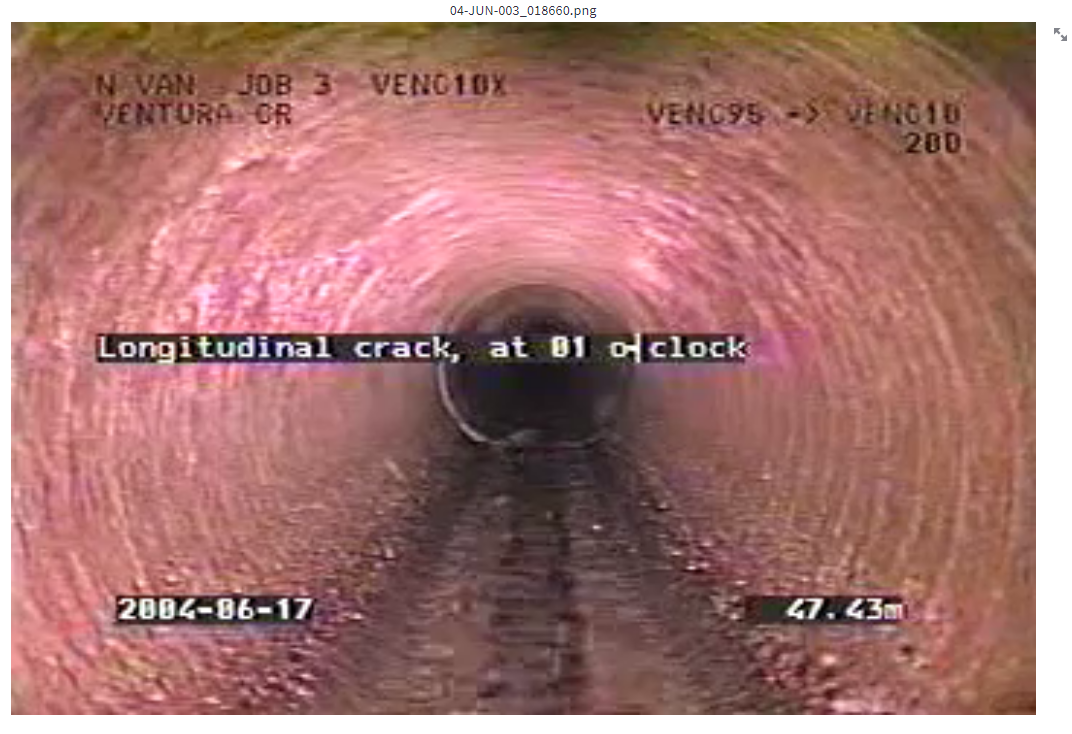
- Frame without an annotation: no padding, two decimal places, followed by
- DNV-WRc-video_type_by_d_4
- Distance location: at the lower right corner (with a black backgroud)
- Distance format
- Frame without an annotation: 4 zero paddings, one decimal place, followed by
Mwithout a space (e.g. 0022.8M)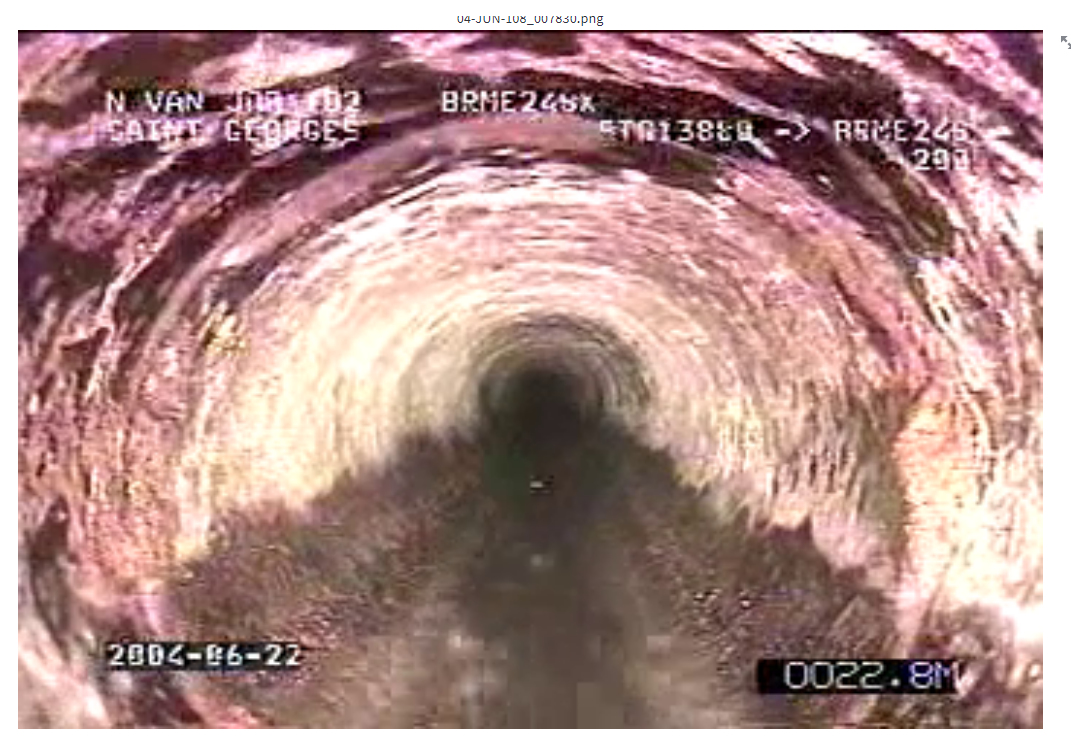
- Frame without an annotation: 4 zero paddings, one decimal place, followed by
- DNV-WRc-video_type_by_d_5
- Distance location: at the lower left (without a black backgroud)
- Distance format
- Frame without an annotation: no padding, one decimal place, followed by
mwith a space (e.g.11.7 m)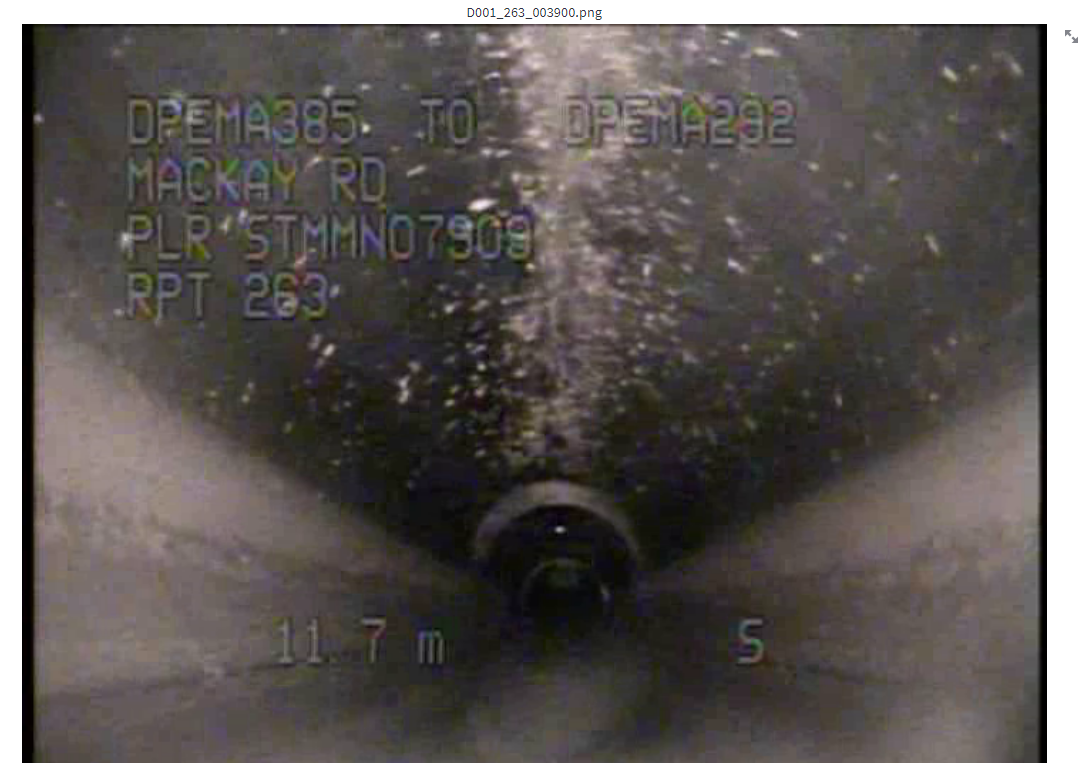
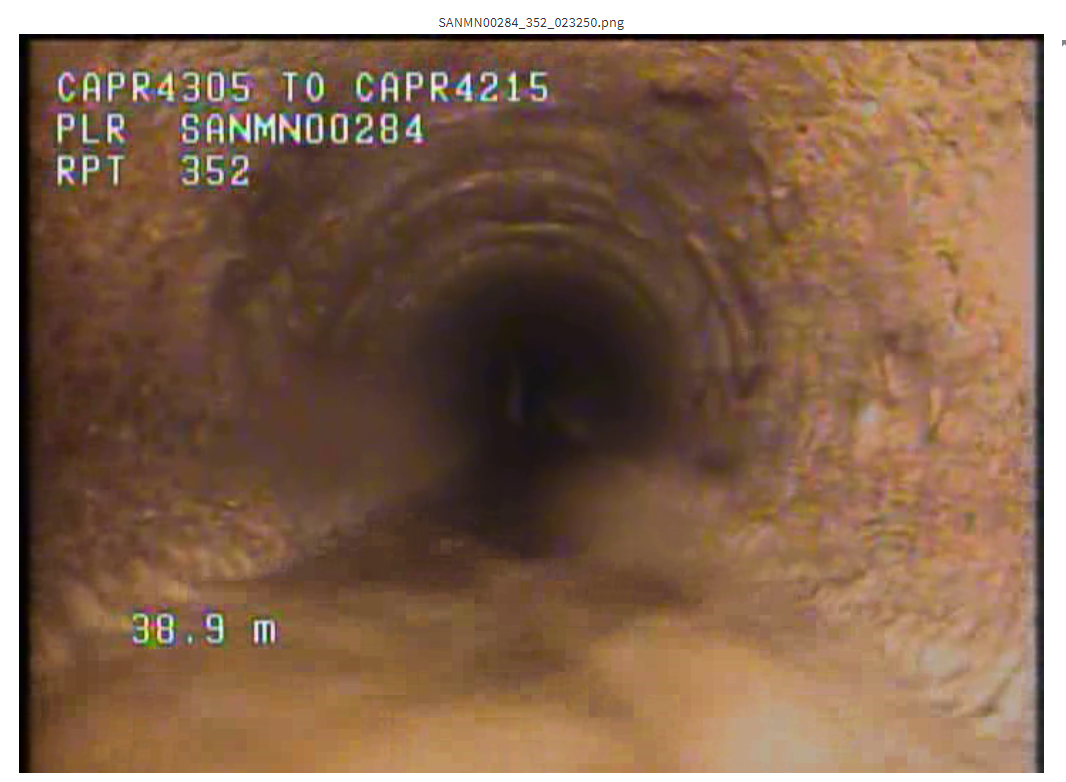
- Frame with an annotation: no padding, one decimal place, followed by
mwith a space (e.g.11.7 m)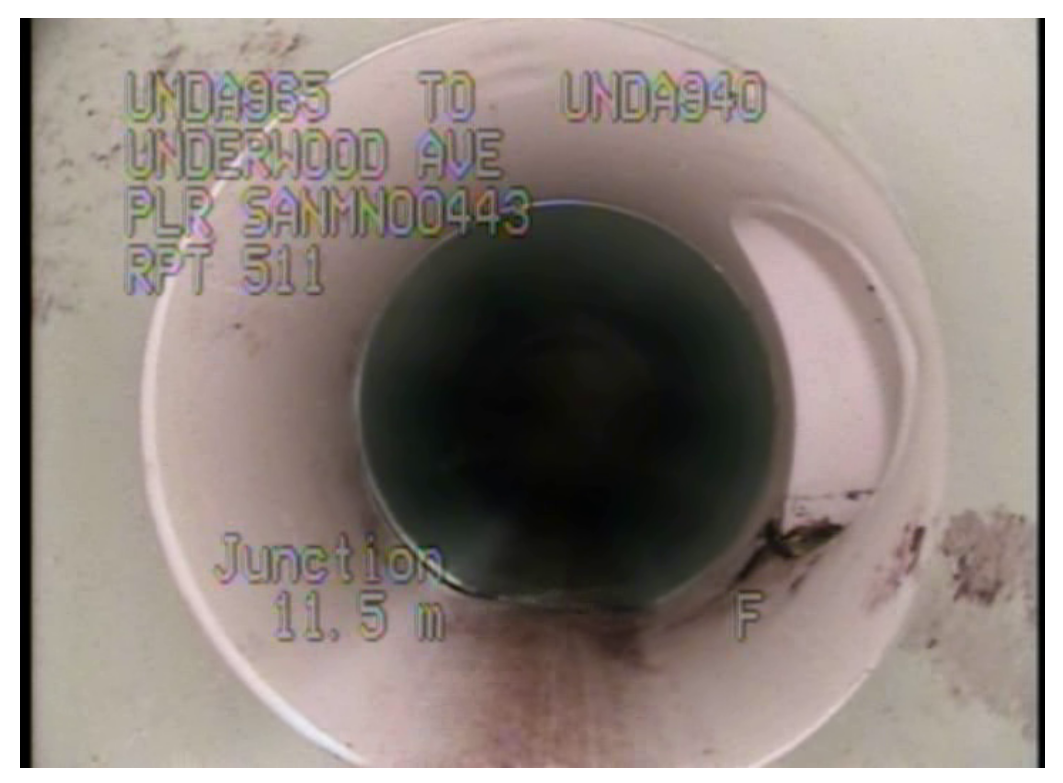
- Frame without an annotation: no padding, one decimal place, followed by
- DNV-WRc-video_type_by_d_6
- Distance location: top left located below the pipe's diameter field (with a black backgroud)
- Distance format
- Frame without an annotation: 4 zero padding, one decimal place, followed by
Mwithout a space (e.g.0026.2M)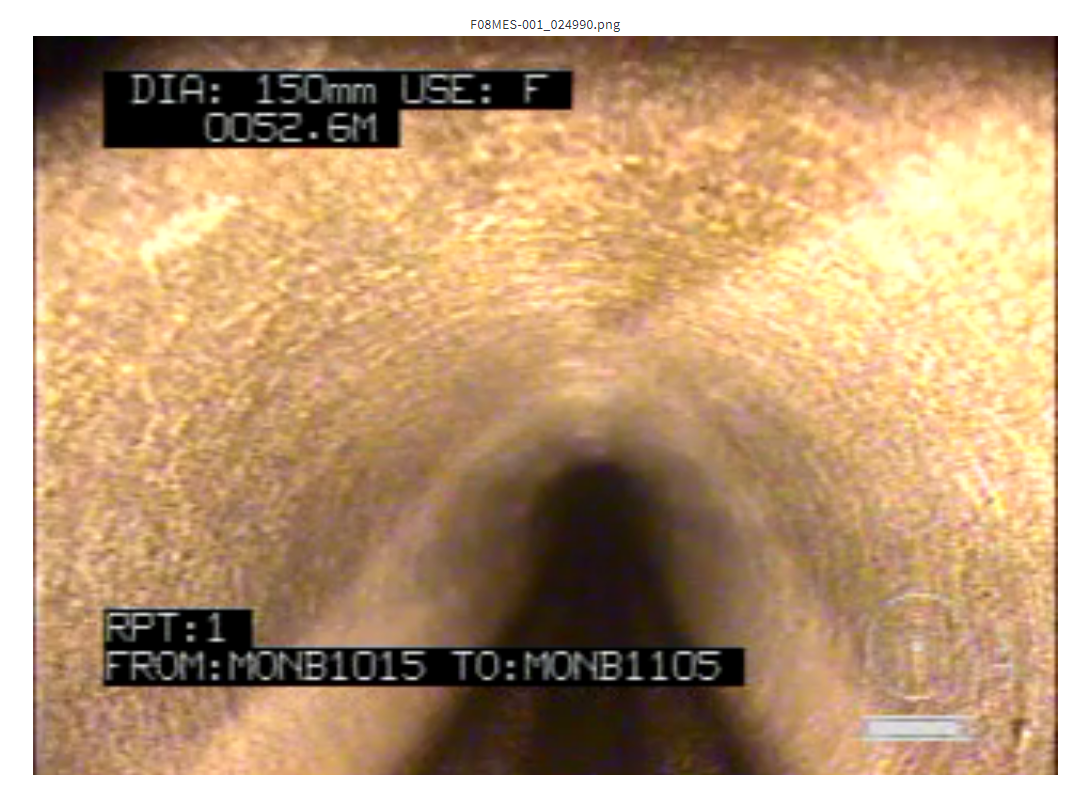
- Frame with an annotation: 4 zero padding, one decimal place, followed by
Mwithout a space (e.g.0026.2M)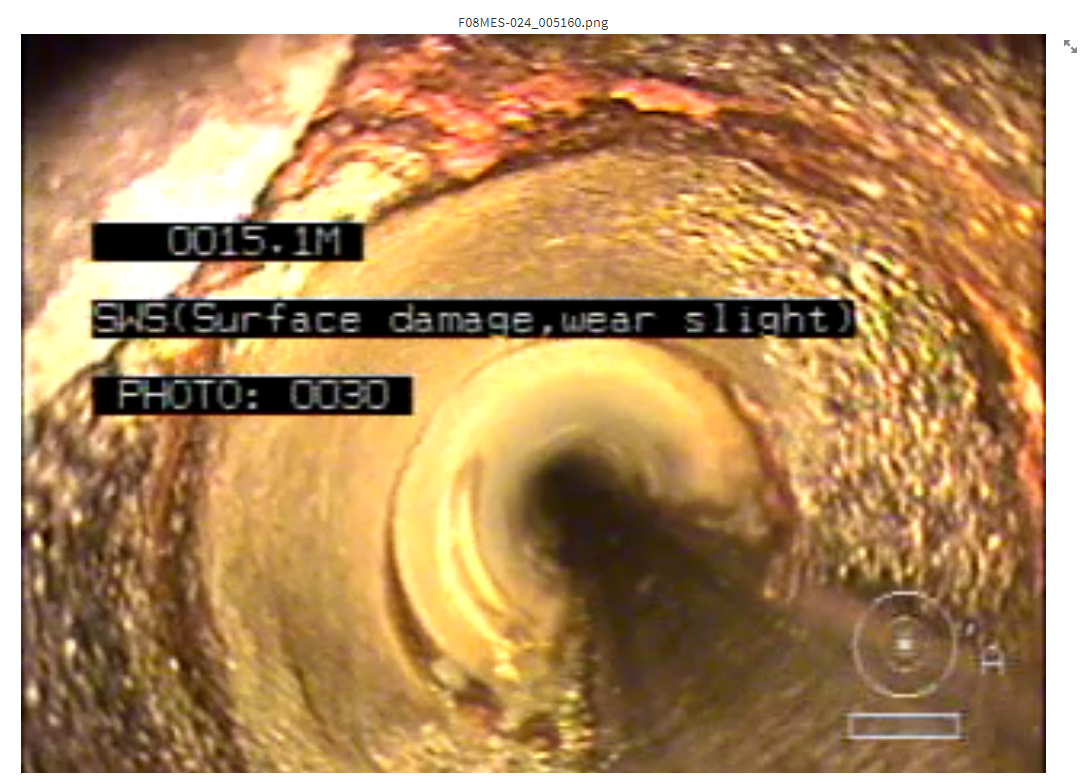
- Frame without an annotation: 4 zero padding, one decimal place, followed by
- DNV-WRc-video_type_by_d_7
- Distance location: top left located below the pipe's diameter field (without a black backgroud)
- Distance format
- Frame without an annotation: 4 zero padding, one decimal place, followed by
Mwithout a space (e.g.0026.2M)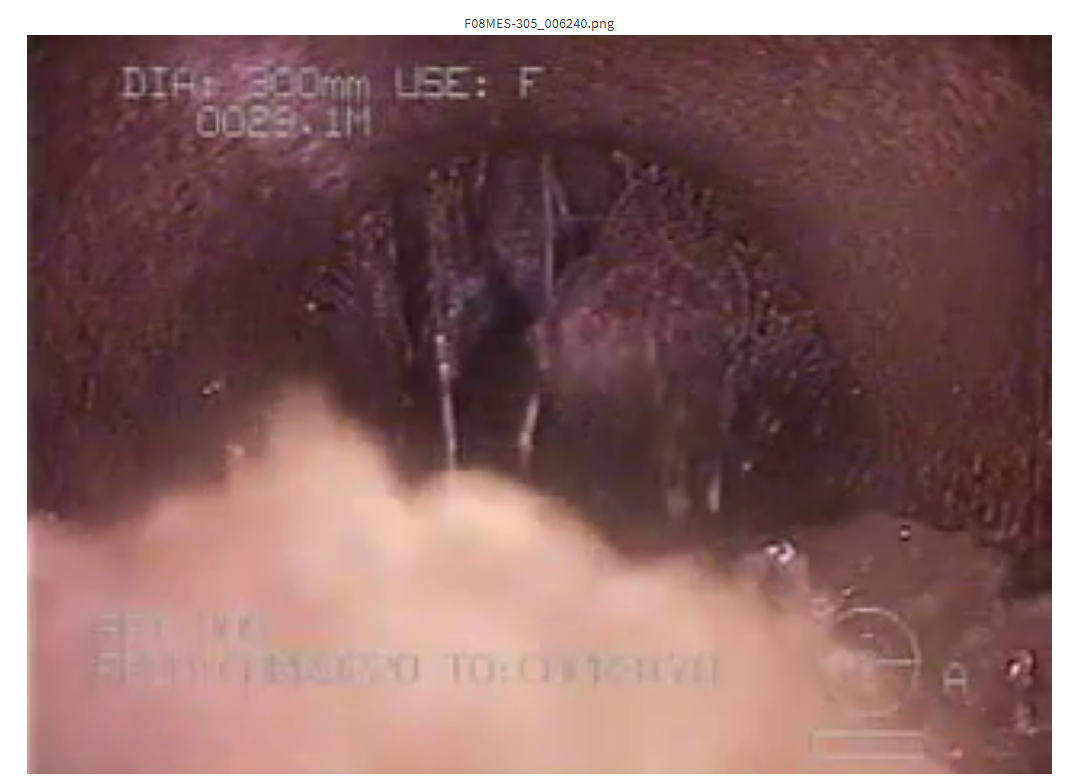
- Frame with an annotation: 4 zero padding, one decimal place, followed by
Mwithout a space (e.g.0026.2M)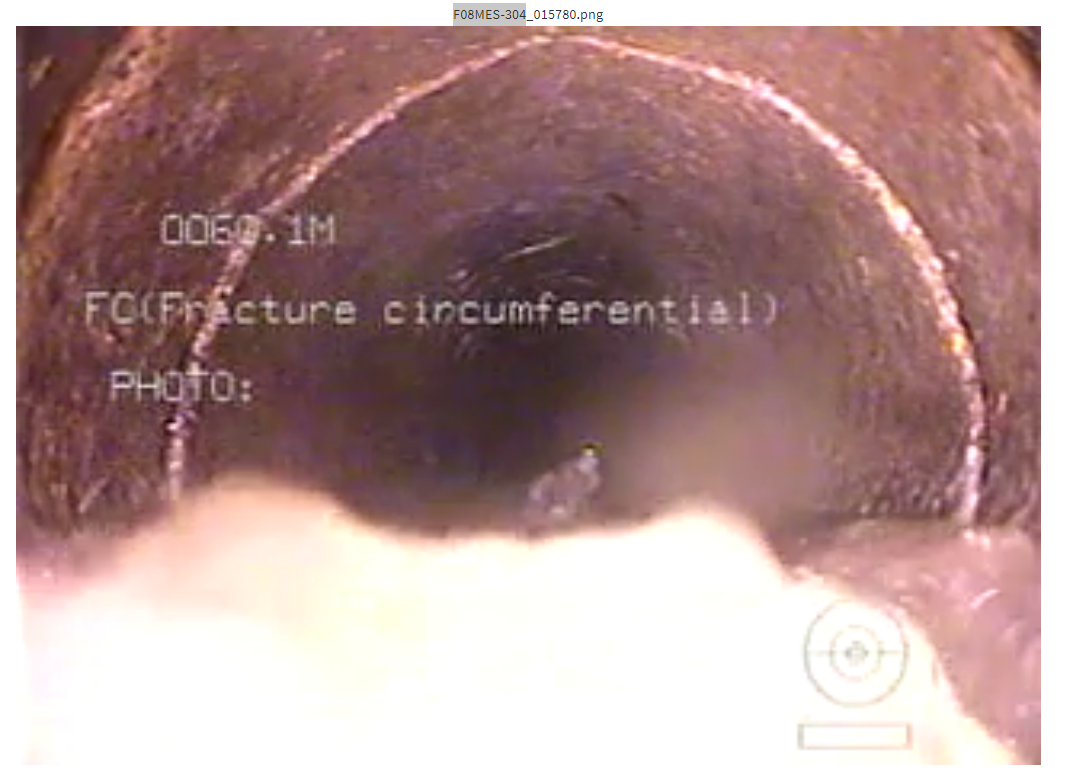
- Frame without an annotation: 4 zero padding, one decimal place, followed by
SD1
SD1-video_type_1
Distance is located at the bottom left. The distance is not followed by any characters.
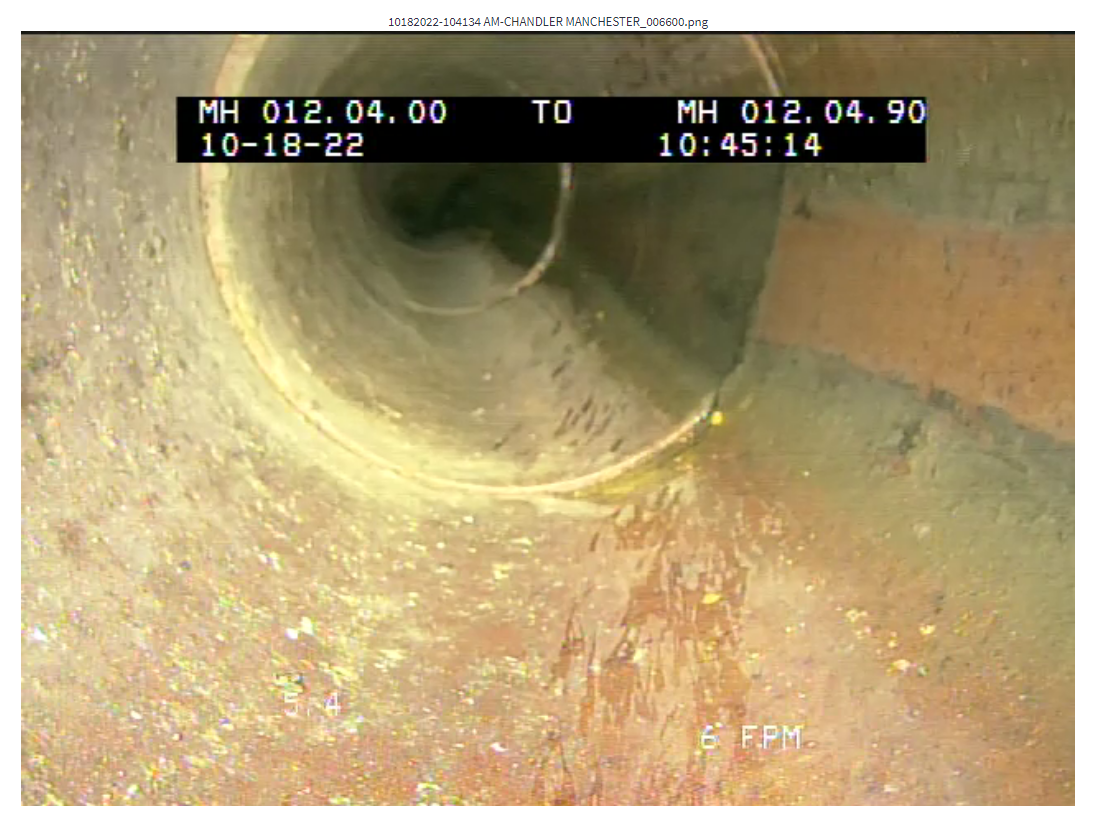
The description of PACP code appears in the black box and the distance is followed by
T. (not sure if latter part is true for other cases)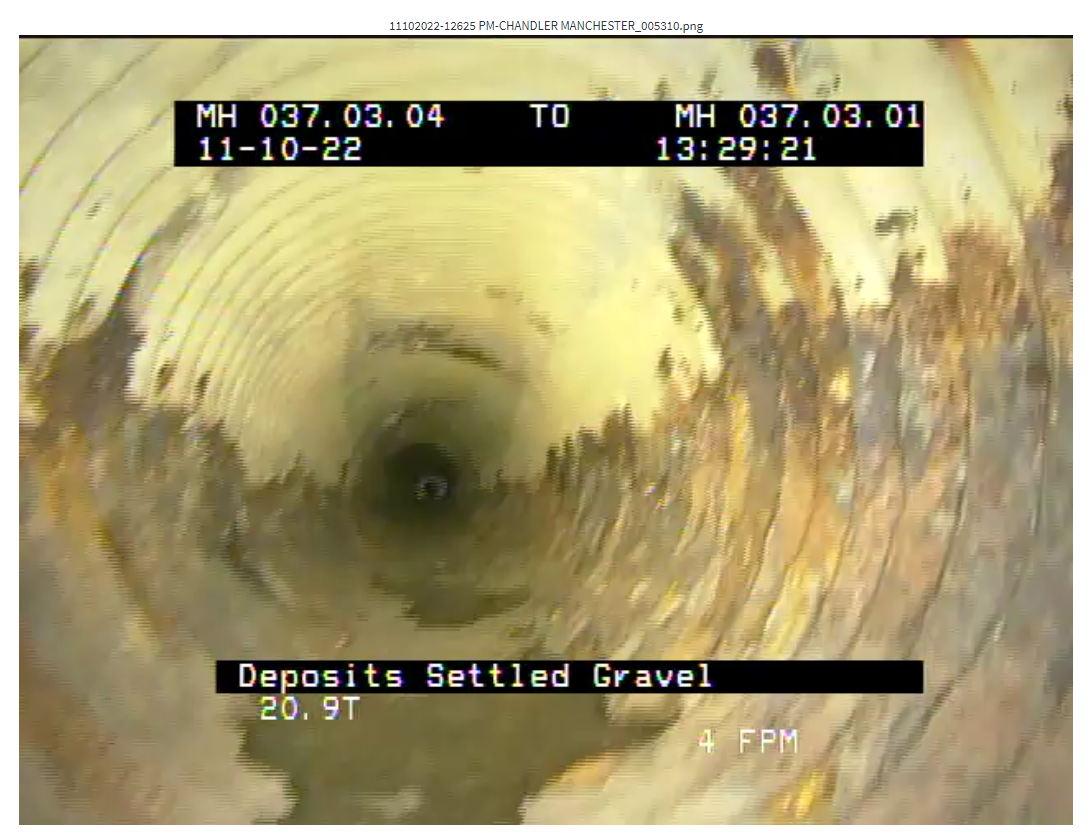
Sometime, I saw some frames with distance followed by
FT.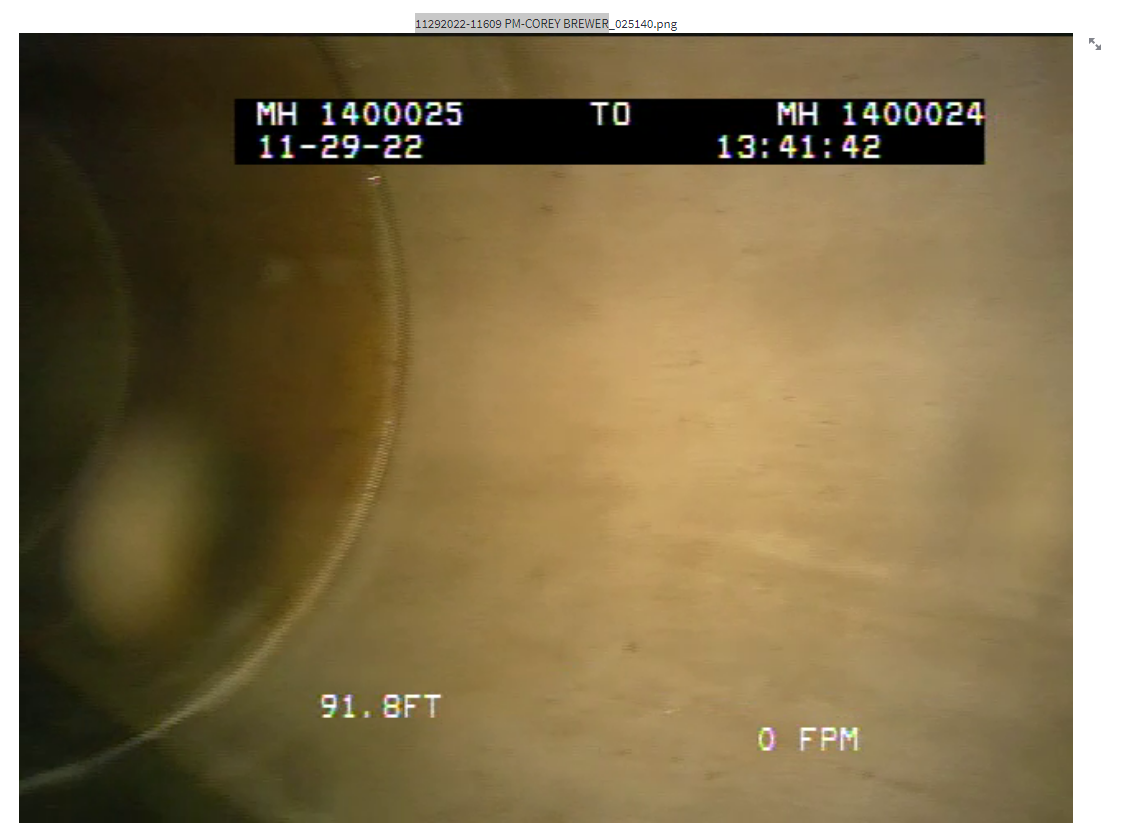
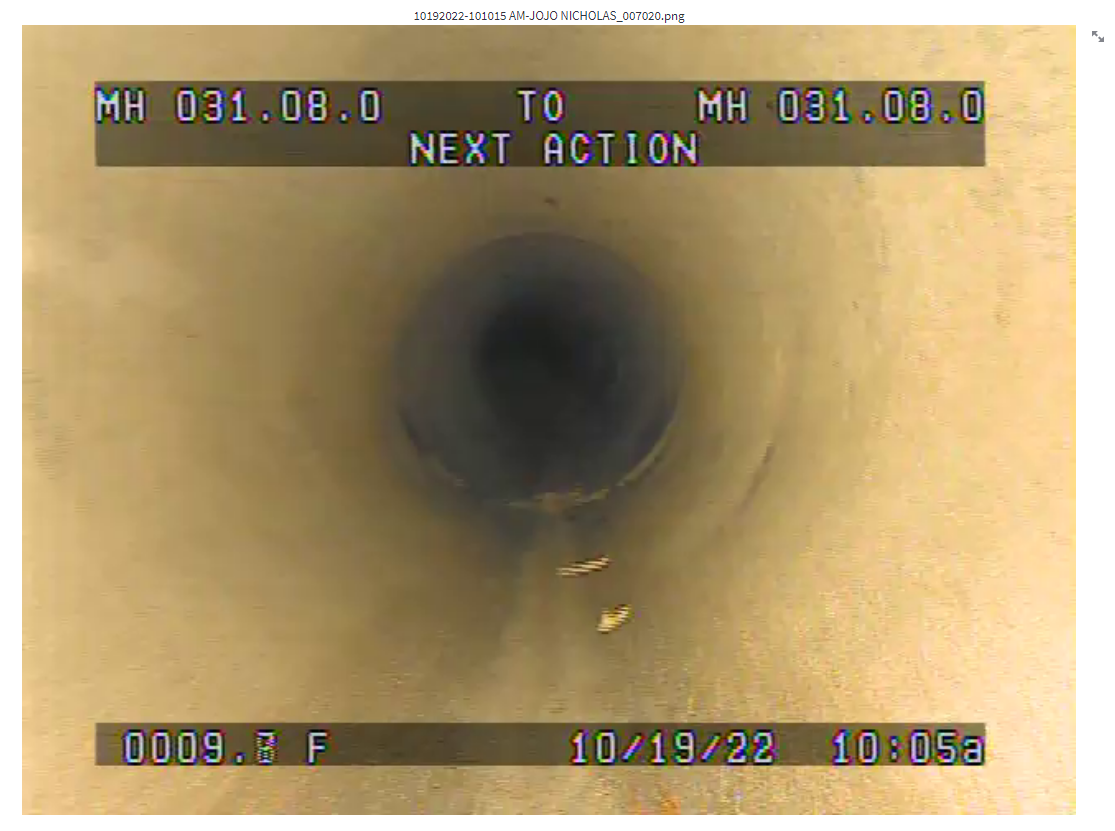
SD1-video_type_2
Distance is located at the bottom left. The distance is followed by
F.Texts are inside non opaque box.
Type 2 videos do not display PACP codes.
SD1-video_type_3
Distance is located at the bottom left. The distance is followed by
FT.Texts are inside black box.
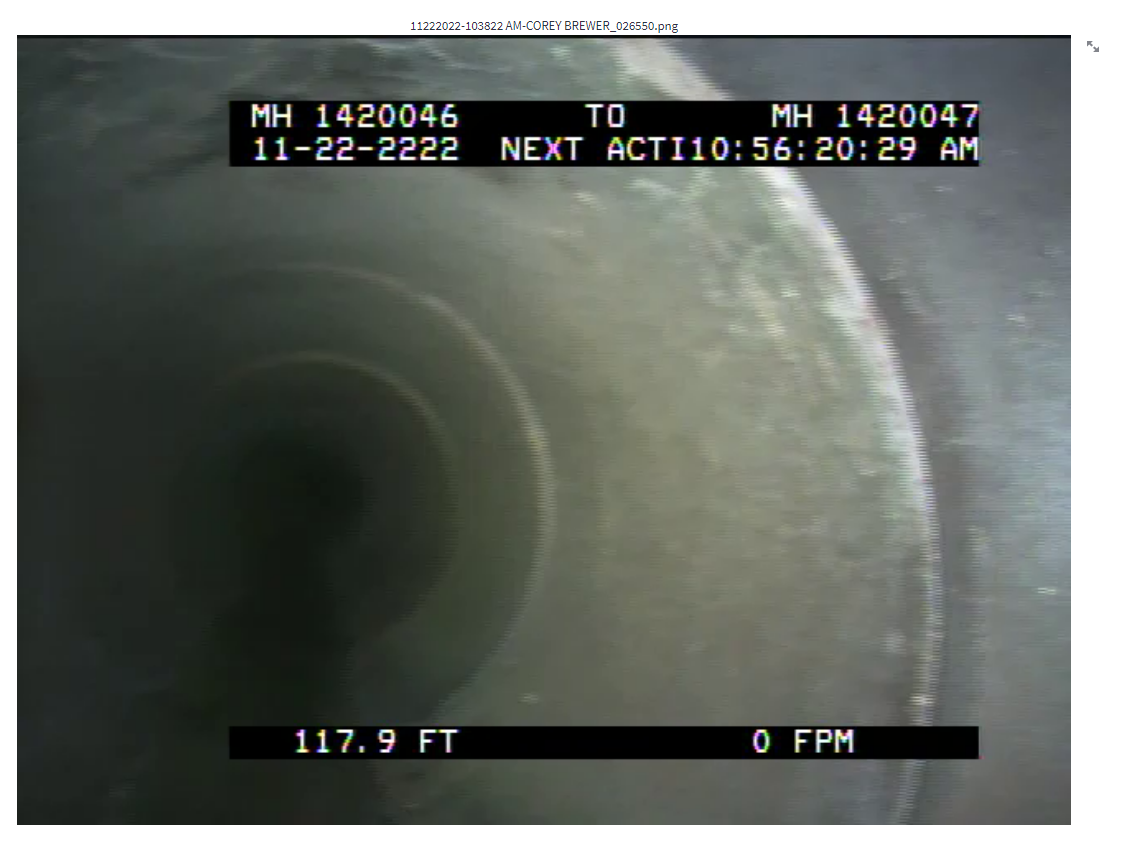
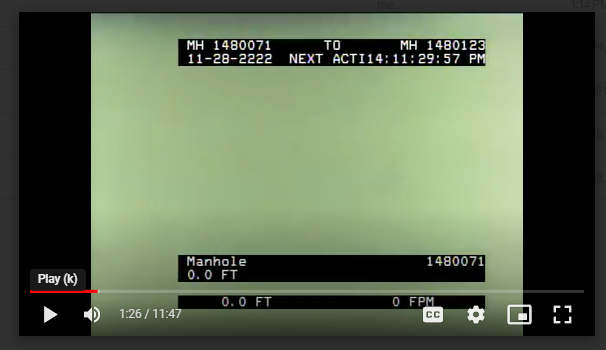
The distance appears twice when the The description of PACP code is shown.
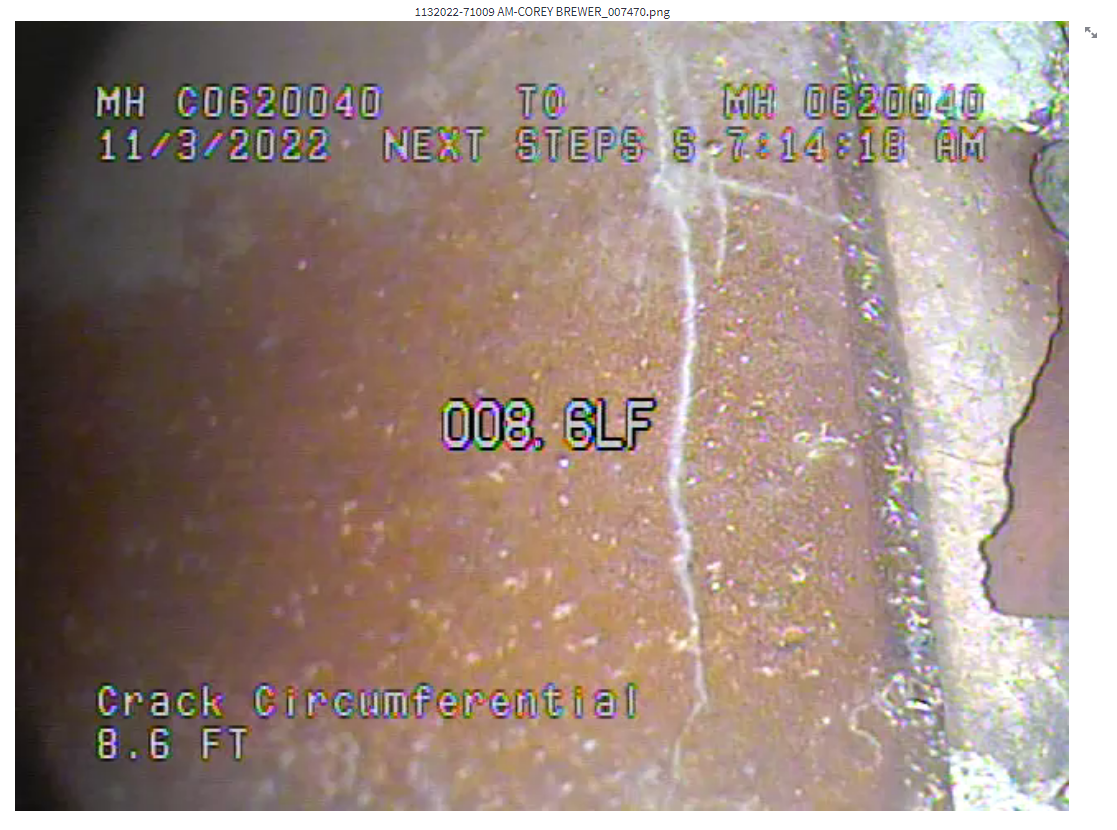
SD1-video_type_4
Distance is located at the bottom left and is followed by
FT.Distance also appears in the middle of the frame and is followed by
LF.Texts are not bounded by boxes.
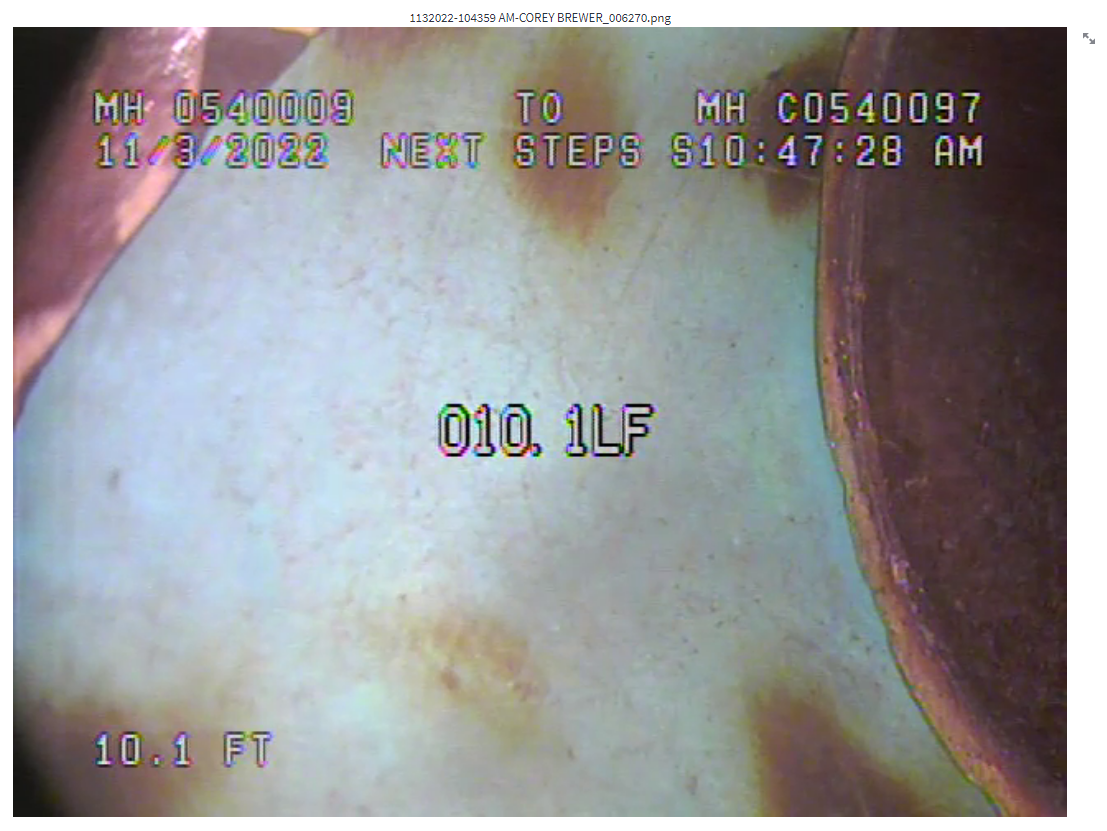
The description of PACP code appears on top of the distance located at the bottom left.
SD1-video_type_5
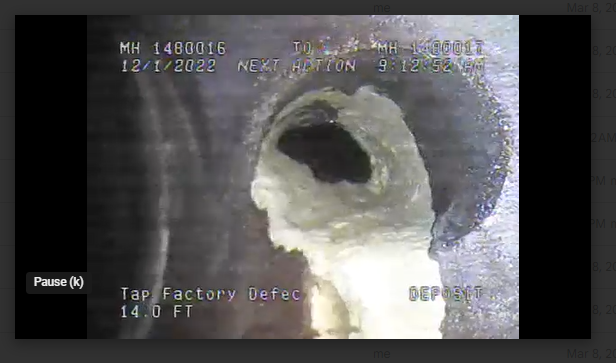
Distance is located at the bottom left and is followed by
FT.Texts are not bounded by boxes.
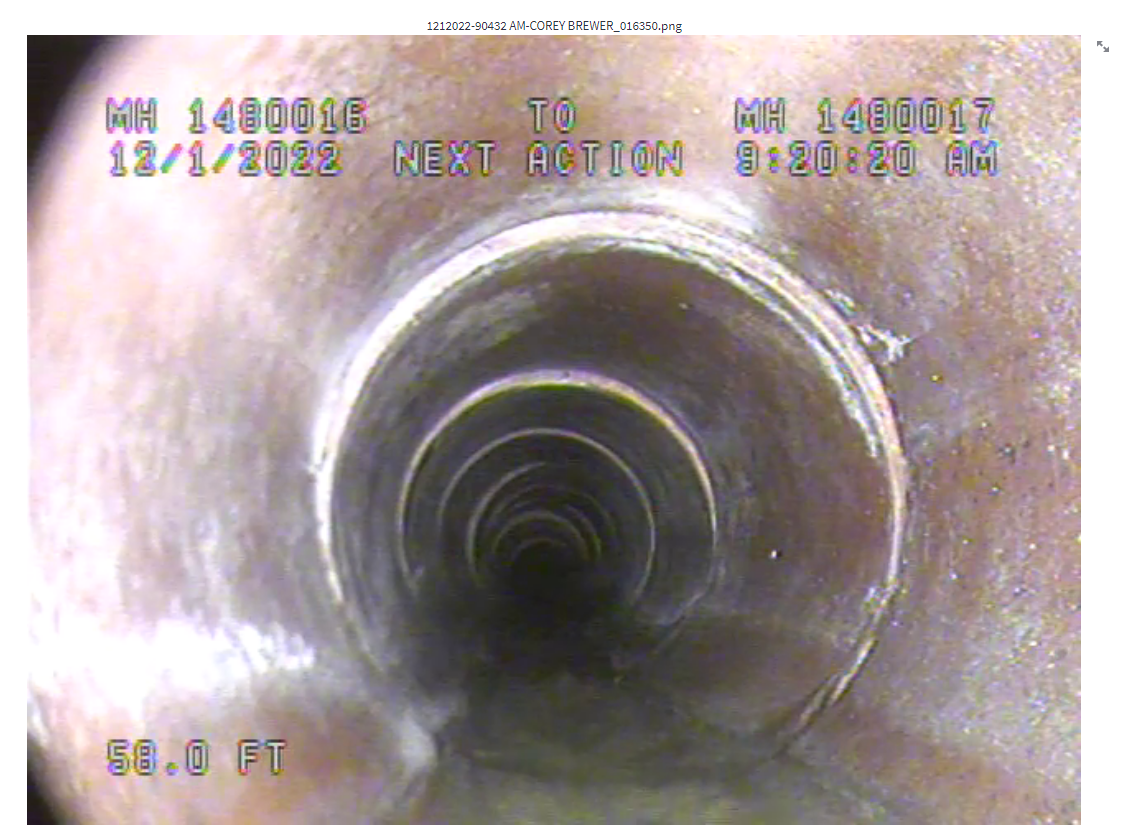
The description of PACP code appears on top of the distance located at the bottom left.
COV
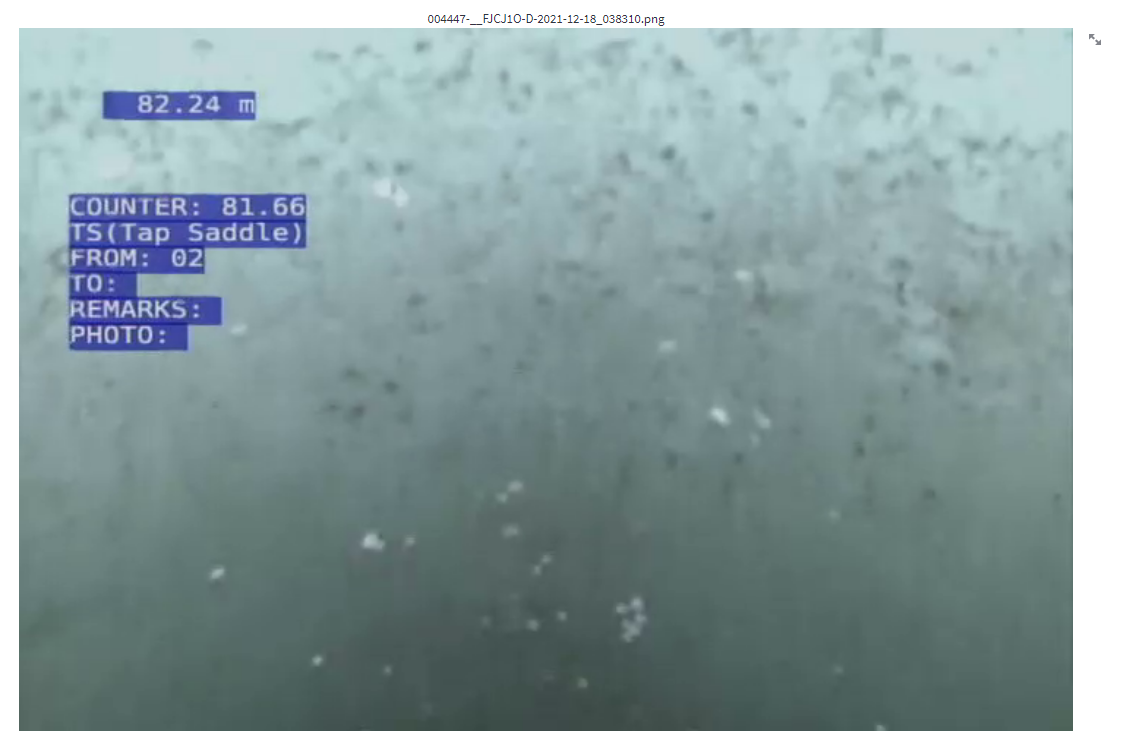
COV-video_type_1
Distance is located at the top left.
Texts are inside blue box.
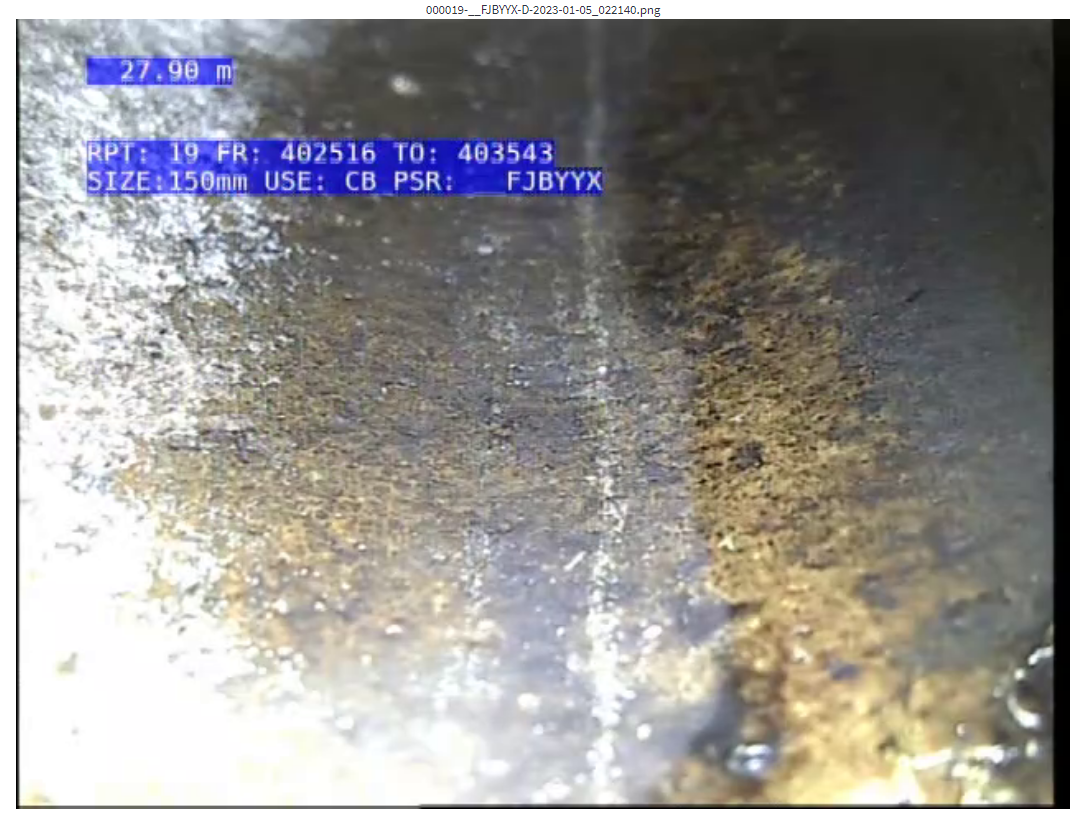
Counter distance appears when defect/feature code is entered.
The PACP code is shown and followed by its description. It is located under the counter distance.
COV-video_type_2
Distance is located at the top left under pipe's property box.
Texts are inside black box.
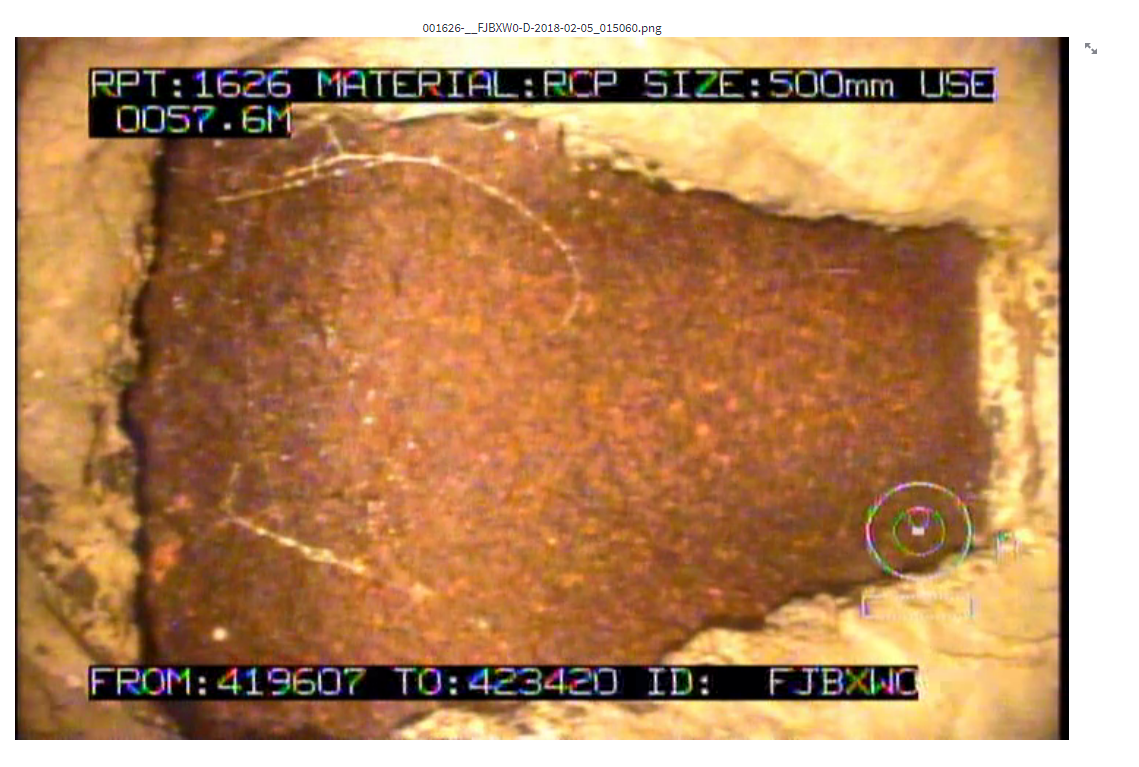
Counter distance appears when defect/feature code is entered.
The PACP code is shown and followed by its description. It is located under the counter distance.