Apply Azure on newly uploaded DNV videos (uploaded in January 2023)
Types of defect annotation software
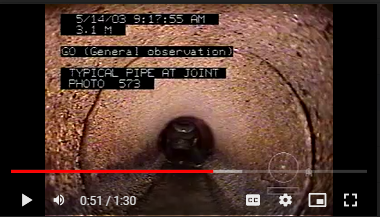
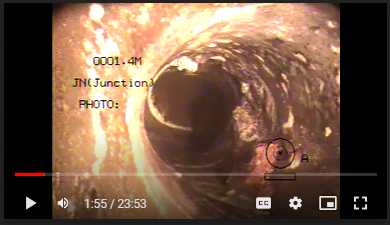
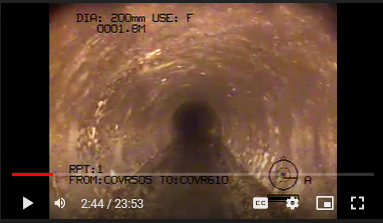
There are six main types of annotation style:
text in a bounded black box.
- distance is followed by M.
- distance is at top left.
- defect is reported using abbreviation.
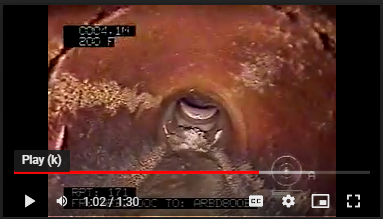
text in a bounded box.
- distance is followed by m.
- distance is at the bottom right.
- defect is reported using full text with clock position and other value such diameter.
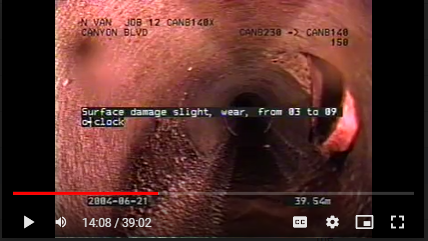
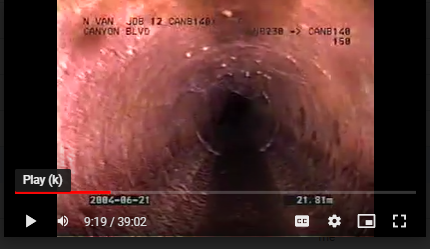
text in white font and not in a box
- distance is followed by m.
- distance is at bottom left.
- defect is reported using full text.
- the defect is reported to the left of the screen. Have some spaces between the distance
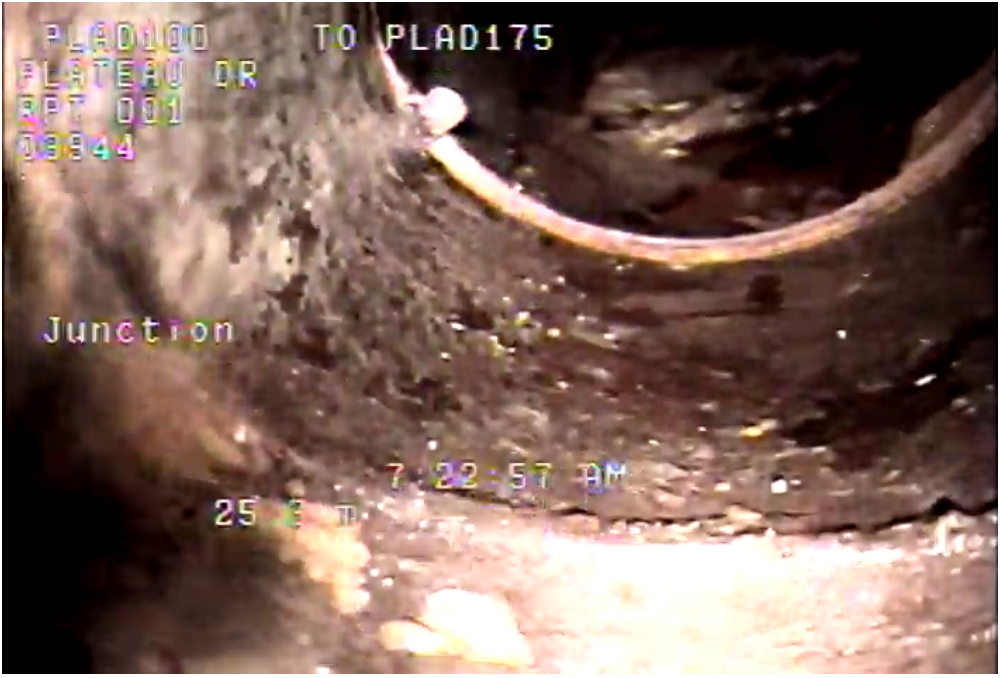
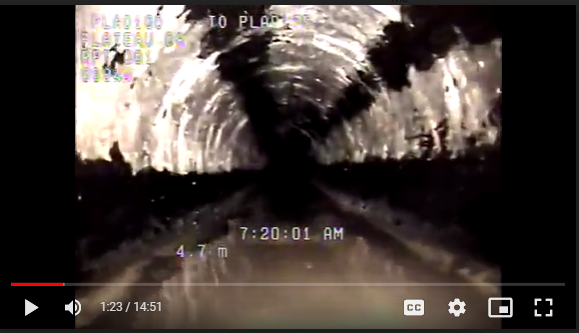
text in white font and not in a box
- distance is followed by m.
- distance is at bottom left.
- defect is reported just on top of the distance.
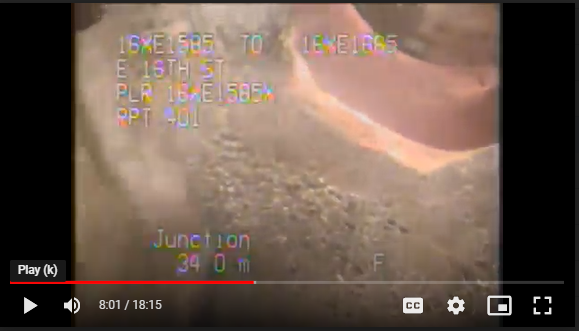
text in black font and not in a box.
- distance is at the upper left.
- distance is followed by M.
- defect is reported using abbreviation.
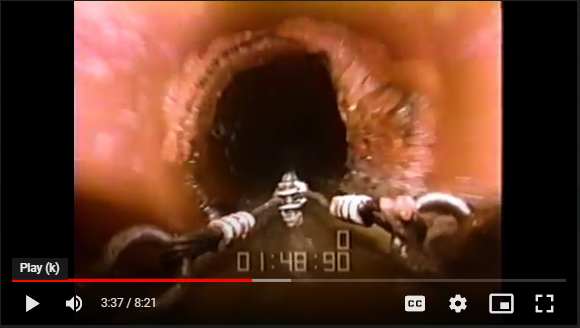
distance and defect is not shown in the video
- name of video: 500-xxx.m4v
Capturing text from images of the new videos using Azure
- I have tested Azure on 29 images from 001-3648 and 03-APR-004 videos.
- 001-3648 video has type 3 annotation style (text in white no bounding).
- Azure could not capture the distance from all 001-3648 images except for one image.
- Azure was able to capture the defect label correctly for all images.
- 03-APR-004 video has type 1 annotation style (text in a bounded black box).
- Azure was able to capture the distance from all the images.
- Azure was able to capture the defect label correctly for all images.
- 04-JUN-002 video has type 2 annotation style.
- distances were captured correctly most of the time. However, they were space between full stop and number and
mdid not get captured correctly. For example, it captured44.19mas44. 19mor44. 19mo. - texts that were represented defects were captured correctly.
- distances were captured correctly most of the time. However, they were space between full stop and number and
- 05-134-348 video has type 5 annotation style.
- distance texts were captured correctly. However, we will need to edit regex to distinguish between diameter and distance as both numbers are followed by letter
m. Diameter is followed bymmand distance is followed byM. - texts that were represented defects were captured correctly.
- distance texts were captured correctly. However, we will need to edit regex to distinguish between diameter and distance as both numbers are followed by letter
- 15XE1915X-397 video has type 4 annotation style.
- distances were captured correctly.
- texts that were represented defects were captured correctly.
- We will need to change the code in the notebook to extract the defect text because the defect is no longer followed by the word obser.