Week 1
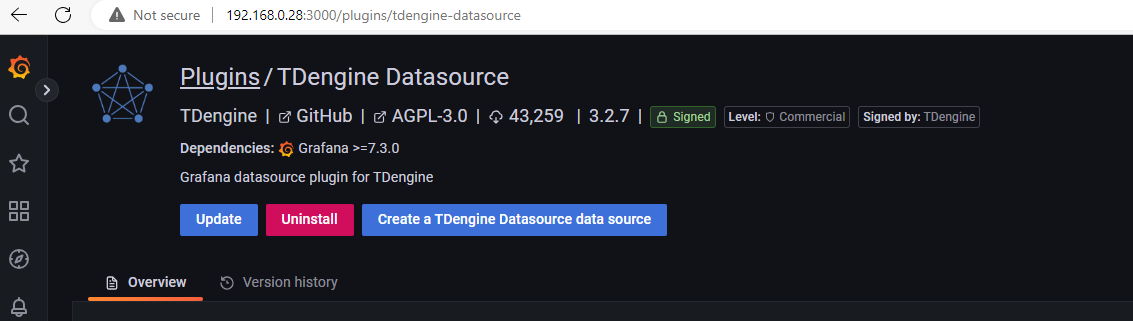
https://grafana.com/grafana/plugins/tdengine-datasource/
Updating local grafana on R-Pi and TDEngine
Task list:
IoT:
-
Sensor nodebin file name needs to be changed. Check into the config to see how it can be changed (Low priority) - Server not sending data to the cloud from
S3-routernode. (Low priority) - For
Sensor nodes, we should only defineMESH-IDandPasswordand no wifi information. (Low priority) - Need to have a mechanism to capture and log all esp errors that can potentially come from esp_functions by capturing the return
esp_error_t. (Medium priority) - Explore how to increase measurement size based on the flash memory increment. (Low priority)
- Power up the EZSBC node
- Redo the project documentation, (High priority)
-
USB-to-HTTPnode - Test wave generation doc
- Refactor the existing documentation
- Update the project
ReadMe's
-
CCTV:
SD1 PACP code file that Vannary sent me - Here is the link https://drive.google.com/file/d/15mW1g5S2KHtWlmXIxOxkWUz4rvBXtfgH/view?usp=sharing
- Need to include this file under utility specific metadata in the repository, since it's a standard file for SD1 utility.
- When we start the script running through CCTV Usage, it needs to be inserted into the DB in the first step.
- Need to include the steps in the workflow (as text and in Mermaid diagram) about including Supplementary data (PACP_Code)
[Low Priority] Boiler plate for Database
- Discuss on how to handle creating single column tables for each variable in initialize_variables function in 'SD1_label_images.py'
- Each utility has a database like this specifically
Update in the CCTV workflow page, probably as warning, that metadata extraction notebook for creating 'all_conditions.csv' only runs on windows (windows access db) and that it gives warnings when it's not able to find tables to run SQL queries on.
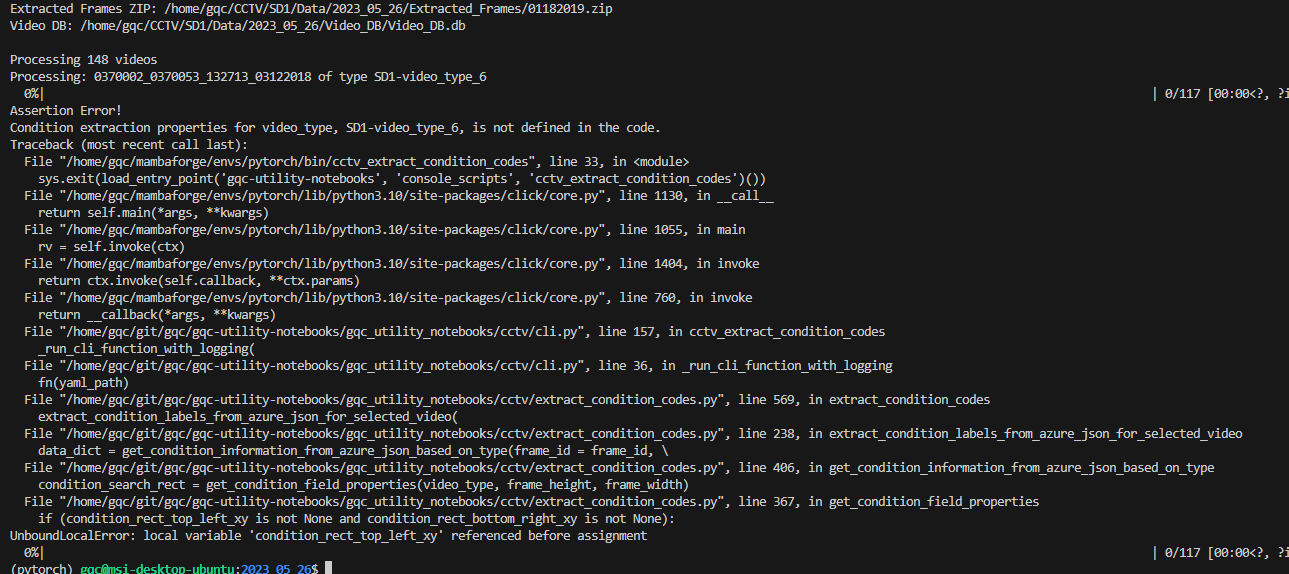
Fix the error in condition code extraction on SD1_D dataset.
Find a frame with PACP code for
SD1-video_type_2as the current description can possibly be wrong The claim is correct. This video-type does not have annotations in the video frame.
Add a table column
condition_code_list_updatedThe existing columns in the current DB were updated manually using following SQL
ALTER TABLE '01182019_frames' ADD 'condition_code_list_updated' INTEGER DEFAULT FALSE;
ALTER TABLE '01202023_frames' ADD 'condition_code_list_updated' INTEGER DEFAULT FALSE;
ALTER TABLE '05042020_frames' ADD 'condition_code_list_updated' INTEGER DEFAULT FALSE;
ALTER TABLE '05052020_frames' ADD 'condition_code_list_updated' INTEGER DEFAULT FALSE;
ALTER TABLE '06162020_frames' ADD 'condition_code_list_updated' INTEGER DEFAULT FALSE;
ALTER TABLE '07252022_frames' ADD 'condition_code_list_updated' INTEGER DEFAULT FALSE;
ALTER TABLE '08162021_frames' ADD 'condition_code_list_updated' INTEGER DEFAULT FALSE;
ALTER TABLE '09152022_frames' ADD 'condition_code_list_updated' INTEGER DEFAULT FALSE;
ALTER TABLE '09162020_frames' ADD 'condition_code_list_updated' INTEGER DEFAULT FALSE;
ALTER TABLE '09222022_frames' ADD 'condition_code_list_updated' INTEGER DEFAULT FALSE;
Export data from
sqlite3to a csv. Change the csv name in the third line.```sql
.headers on
sqlite> .mode csv
sqlite> .output 01202023_labels.csv
sqlite> SELECT video_id, (frame_id || '.jpg') as fname, labels from labelled_frames;
sqlite> .quit
```Unzip command
```sh
unzip '*.zip' -d <path_to_the_destination_dir/>
```
unzipping 1100 videos took around 10 mins. size went from 54G to 55G after unzipping.
Document everything.
all_conditionstable should have a column indicating the sourceDBname which contained the metadata.UTILITY specific notebooks, py modules and click modules based on that.
CCTV_apps:
- Create a mermaid diagram for the cctv apps and data sources.
- CSV files should be loaded from the
csvfolder itself through a drop down. - Test symlinks in the MSI machine to mount images into
publicfolder. - Look into the column names of the csv.