Handle Merge Conflicts in Jupyter Notebooks
Handling merge conflicts can get tricky and often waste a lot of time.
Merging in-file changes for a notebook can force the user to compare the metadata json.
nbdev is the GQC preferred tool for maintaining repos where python notebooks needs to be present and maintained in different branches.
info
VSCode is unable to open the merge-editor for Jupyter Notebooks.
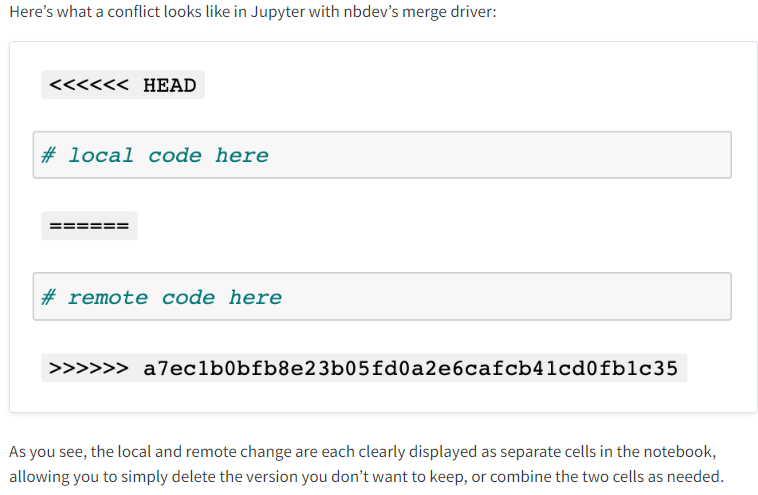
Here are the steps you should follow in-case, there is a merge conflict with a jupyter notebook,
- We mostly use notebooks with the
nbdev, so make sure you have the hooks installed. - Run the command,
nbdev_install_hooksto install the hooks. - VSCode would be unable to open the merge-editor.
- So stage the entire file directly, and then manually remove the code that you don't need.
- Add a commit message and then push the changes to the remote.
In case, you wish to understand this process in more detail, you can read about it over here.