DB Browser for sqlite
Installation of DB Browser for sqlite:
Navigate to https://sqlitebrowser.org/dl/ to find the installer for your Operating System. DB Browser on the MSI server was downloaded using snap install.
Creation of primary keys in existing tables:
DB Browser can be used to modify existing sqlite tables to have primary keys. To modify a table so that you can convert a column to a primary key, first open up your database in DB Browser. Then right click on the table name and click 'Modify Table'.
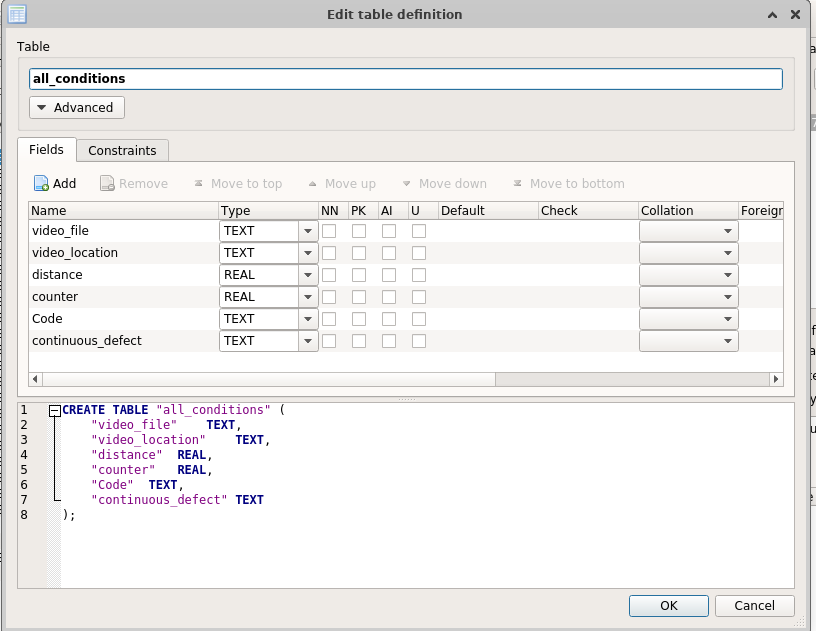 Then select the
 PK constrain on the column you want to set as a primary key.